
Present full screen
Show the drawings full screen, one page at a time.
Where to find it
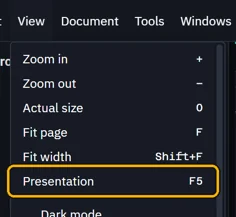
ViewPresentation
Steps
View › Presentation, or F5. It starts at the page you are on.
Click, or press Space or →, for the next page. ← goes back.
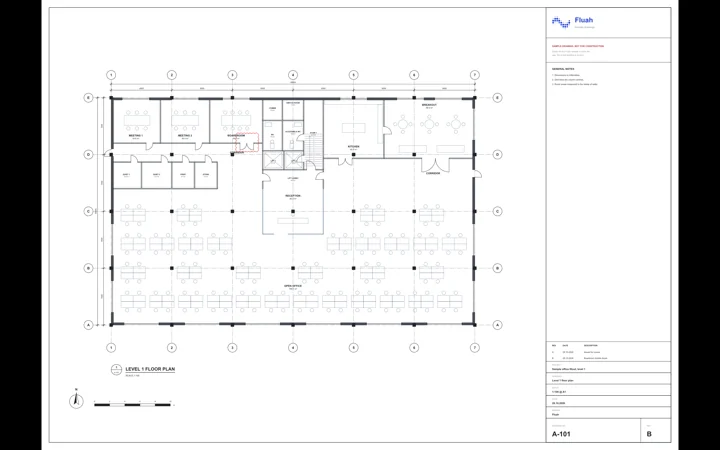
Move the pointer for the page buttons and ×.

Esc ends it, at the page you reached.
Was this page helpful?
Updated 6 November 2026