
Sign a PDF
Put your digital signature on a drawing, where you want it.
Where to find it
Sign on the top bar, or DocumentSign
Steps
Click Sign on the top bar.

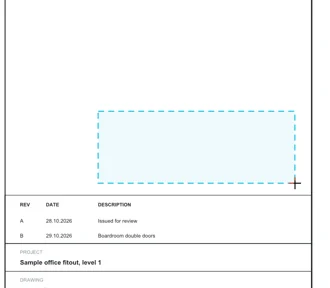
Drag a box where the signature goes.
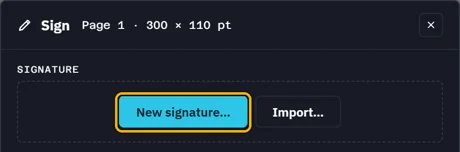
Pick your signature, type its password, then Unlock. None yet? New signature….
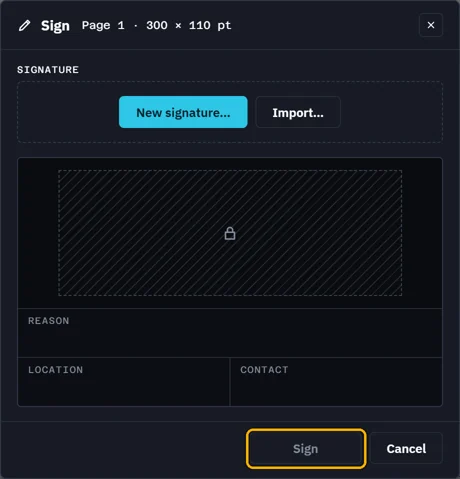
Add a Reason, Location or Contact if you like, then click Sign.
 Fluah signs the saved file: save page changes first.
What’s next
Was this page helpful?
Updated 6 November 2026