
Make a signature and digital ID
How your signature looks, and the ID that proves it's you.
Where to find it
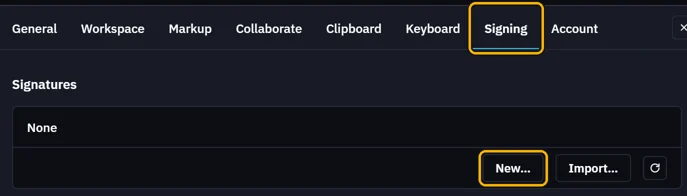
SettingsSigningNew…
Steps
Click Settings on the top bar, then Signing › New….
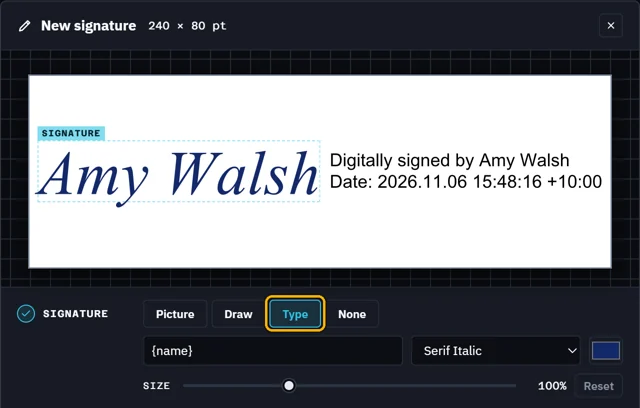
Pick how it looks: Picture, Draw, Type or None.
Under Digital ID, New makes one in your name. Type a password twice.
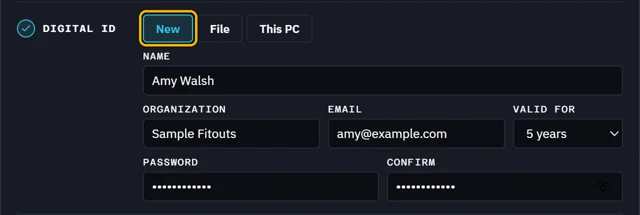 Tip. Have an ID? File takes a .pfx, This PC one in Windows.
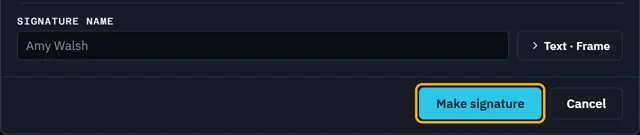
Click Make signature. Its password unlocks it when you sign.
What’s next
Was this page helpful?
Updated 6 November 2026