
Make a project
Share a PDF with your team as a project.
Where to find it
CollaborateNew project
Steps
Open the PDF, then Collaborate › New project.

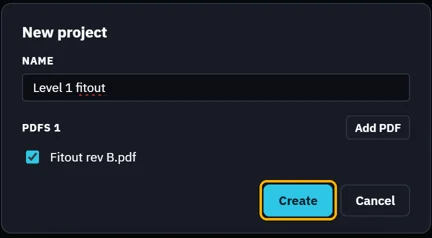
Name it. The open PDF is ticked; Add PDF adds more. Click Create.
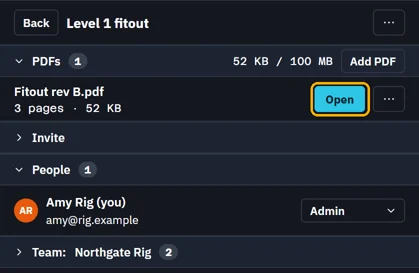
The project's panel: its PDFs, Invite and People.
Was this page helpful?
Updated 6 November 2026