
Count items
Click each item; Fluah numbers them as you go.
Where to find it
Count / takeoff
Steps
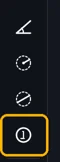
Pick Count / takeoff (N).
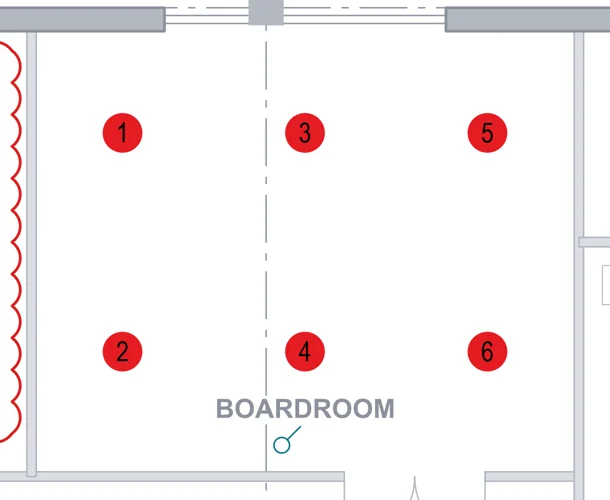
Click each item. Each one gets the next number.
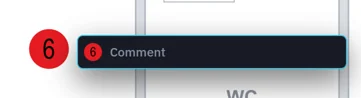
A comment box opens by the last one. Type a note, or keep clicking.
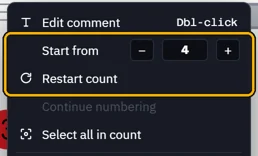
To renumber, right-click a count: Start from or Restart count.
 Tip. Many of one symbol? Visual search can count them all at once.
Was this page helpful?
Updated 6 November 2026