
Set a page's scale
Give Fluah the drawing's scale so every measurement reads true.
Before you begin
Download the sample drawings: revision B is the current issue, revision A the one before it.
Where to find it
SCALE on the status bar
Steps
Find the scale on the drawing.

Click SCALE on the status bar.

Pick All pages to set every sheet, or This page.

Type the ratio and press Enter, or click one of the list.
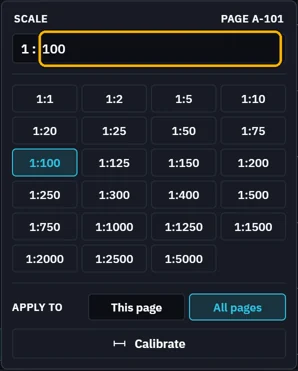
Lengths now read at that scale.
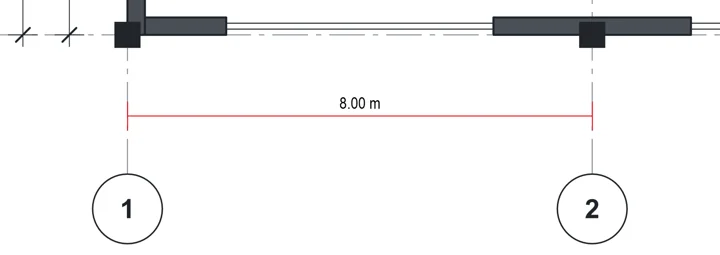 Tip. No scale on the sheet? Calibrate from a known length.
What’s next
Was this page helpful?
Updated 6 November 2026