
Format text
Bold words, bullets, and a spell check that offers the right word.
Where to find it
Text box
Steps
Double-click a text box to type in it.
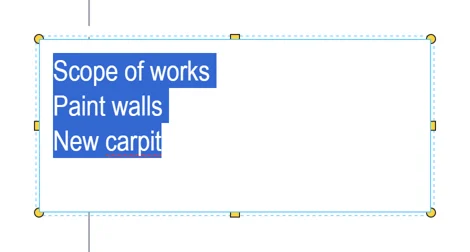
Select words, then press CtrlB or click B in the top bar.

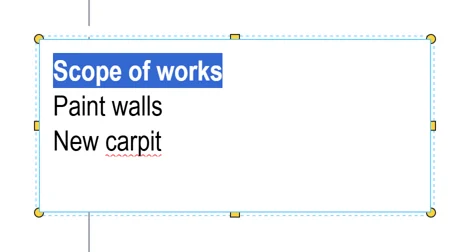
Select lines, then press CtrlShiftL for bullets.
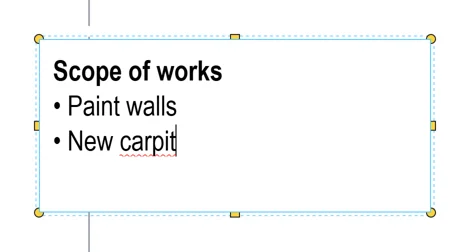 Tip. Dashes, numbers and letters are in List in Properties, for every line in the box.
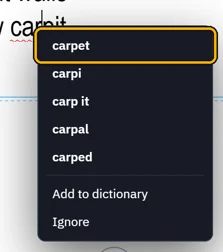
A red line marks a word the spell check does not know. Right-click it, then pick the right word.
Was this page helpful?
Updated 6 November 2026