
Draw a revision cloud
Cloud a change so nobody misses it.
Where to find it
Revision cloud
Steps
Pick Revision cloud in the toolbar, or press C.

Drag over the change.
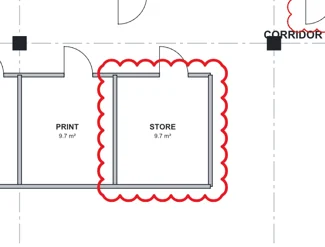
For any other shape, click each corner, then click the first corner again.
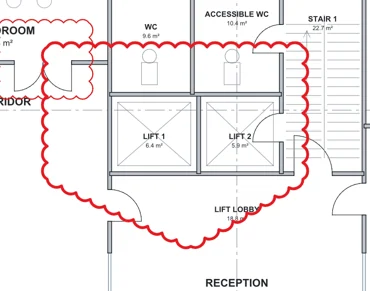 Tip. Backspace takes back the last corner.
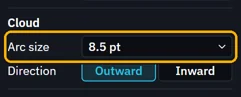
Make the bumps bigger or smaller in Arc size.
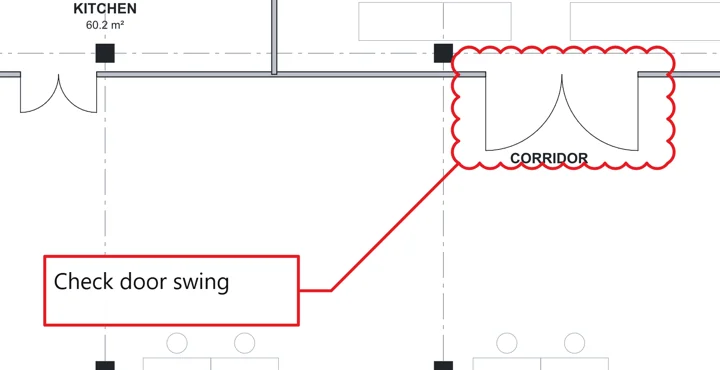
A cloud with a note
Tools › Cloud+, or press K.
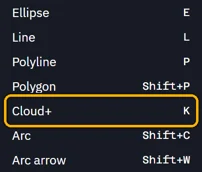 Tip. To keep it on the toolbar, right-click the toolbar, then Show › Cloud+.
Drag over the change, click where the box goes, then type.
Was this page helpful?
Updated 6 November 2026