
Export pages as images
Save pages as PNG or JPEG pictures, with or without markups.
Where to find it
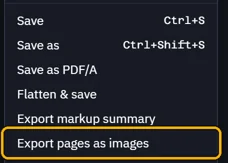
FileExport pages as images
Steps
Open File › Export pages as images.
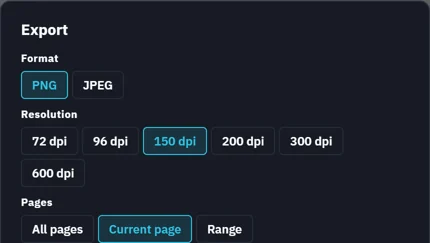
Pick PNG or JPEG, the resolution and the pages.
Check the Folder and the File name, then click Export.
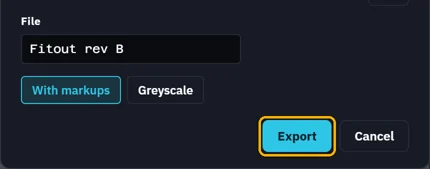
Each page becomes a picture in that folder, like Fitout rev B-1.png.
Was this page helpful?
Updated 6 November 2026