
Pick the paper and the fit, check the preview, print.
Where to find it
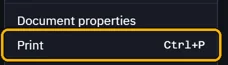
FilePrint, or CtrlP
Steps
Open File › Print, or press CtrlP.
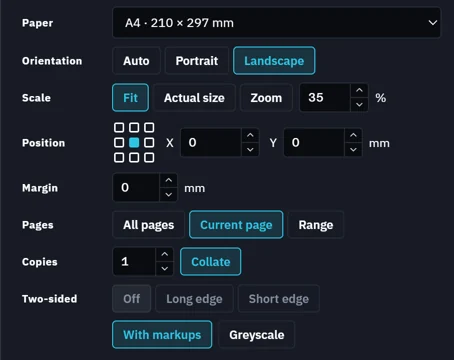
Pick the Printer and the Paper, then how each sheet fits.
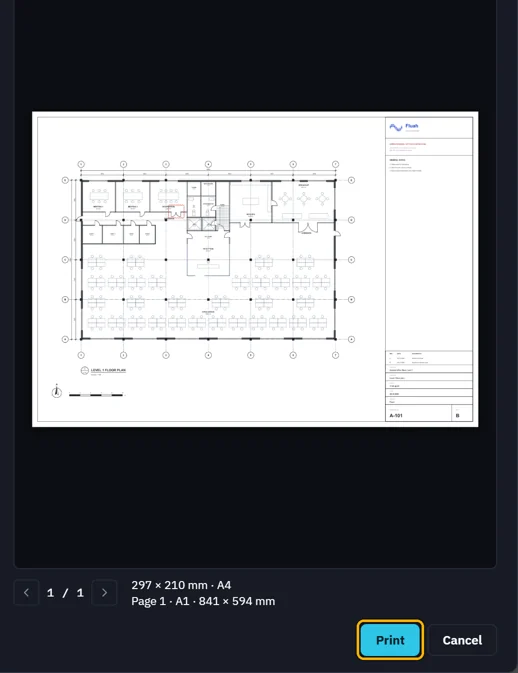
Check the sheet in the preview, then click Print.
 Tip. Fluah keeps your choices for each printer.
Was this page helpful?
Updated 6 November 2026