
Export the quantities
The takeoff as a workbook or a CSV file, grouped your way.
Where to find it
WorksheetExport
Steps
Click Export at the top of the worksheet.
Pick Workbook (.xlsx) or CSV (.csv), and how it is grouped. The preview shows the first lines.
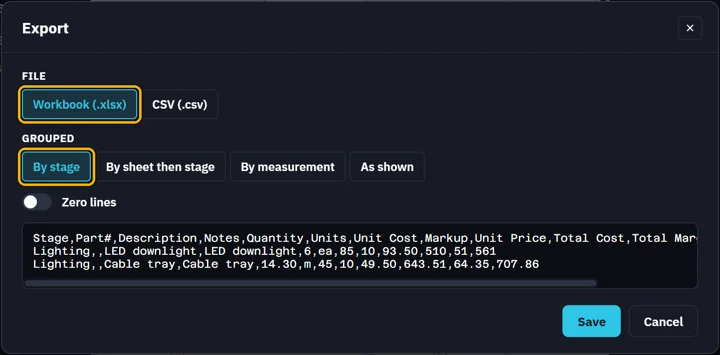
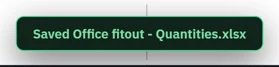
Click Save. The file is named after the job, plus "- Quantities".
Was this page helpful?
Updated 6 November 2026