
Measure angles and circles
Angles, radii and diameters, read off the drawing.
Where to find it
Angle Radius Diameter
Steps
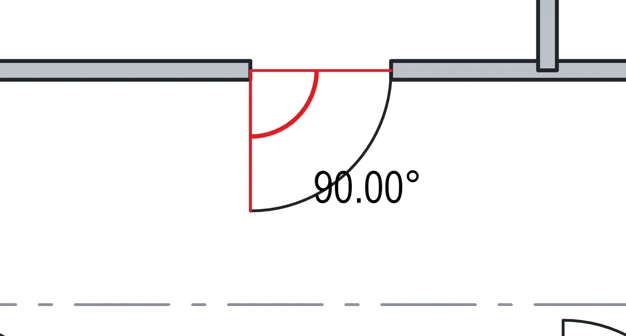
Pick Angle (ShiftG). Click an arm's end, the corner, then the other arm's end.
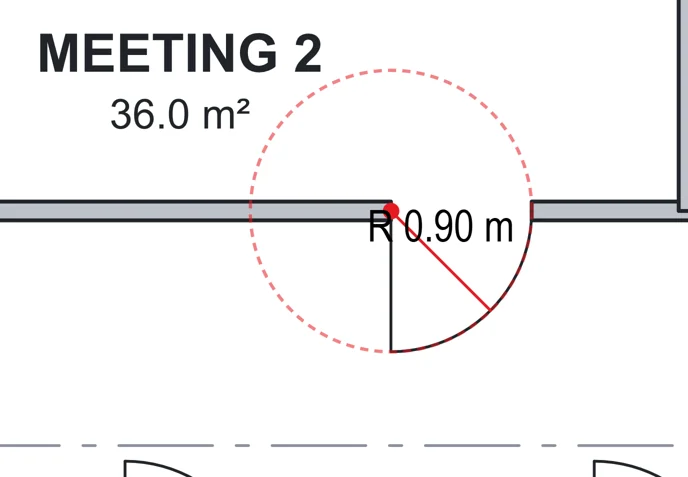
Pick Radius (ShiftR). Click the centre, then the edge.
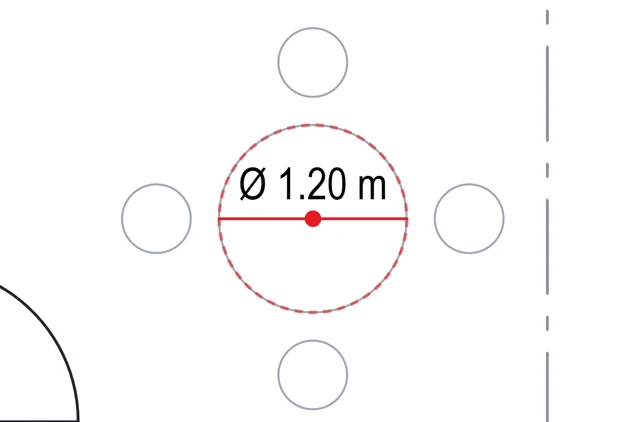
Pick Diameter (ShiftD). Click the centre, then the edge.
Was this page helpful?
Updated 6 November 2026