
Show, hide and lock markup layers
Turn whole layers of markups off, or keep them from moving.
Where to find it
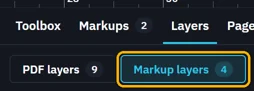
LayersMarkup layers
Steps
Click Layers on the bar at the page's right edge.

Click Markup layers.
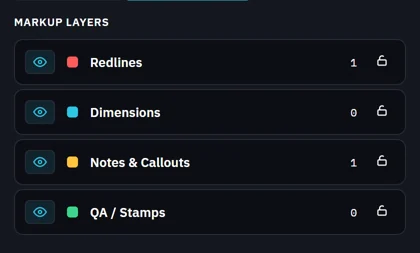
Click a layer's eye to hide its markups. Click it again to show them.

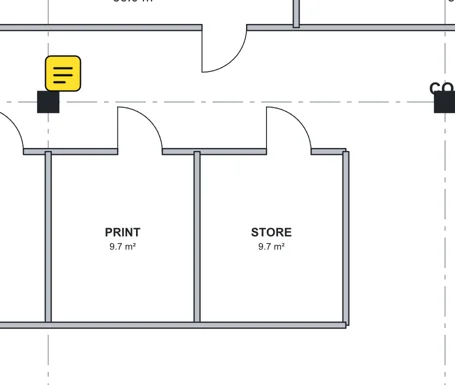
Click its padlock to keep its markups where they are.

Was this page helpful?
Updated 6 November 2026