
Measure an area
Room areas, less any openings, and a volume from a depth.
Where to find it
Area & perimeter Area (polygon)
Steps
Pick Area & perimeter (A) and drag from corner to corner.
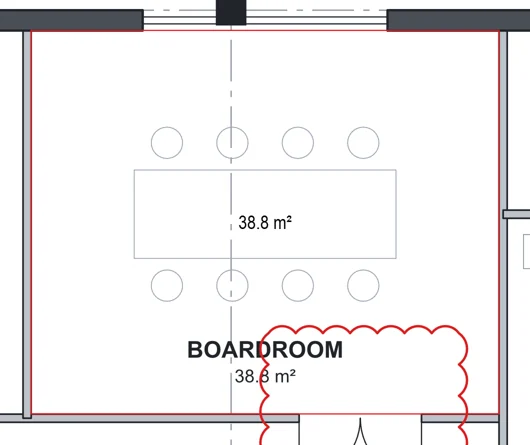
For any other shape, pick Area (polygon) (G). Click each corner, then press Enter.
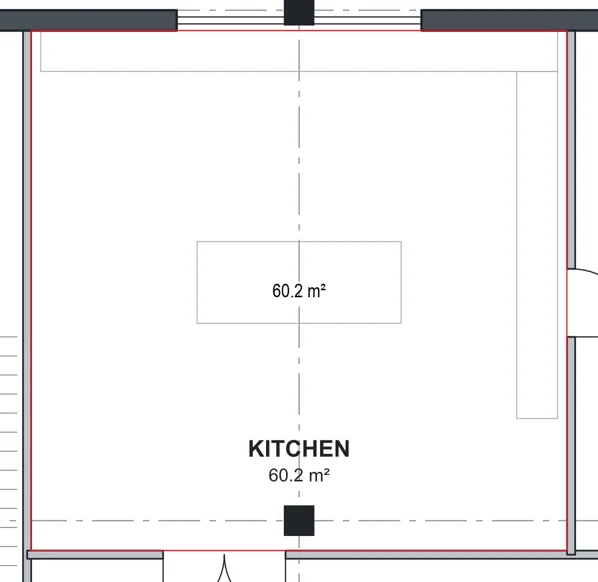
To leave a part out, right-click the area › Add cut-out / opening.
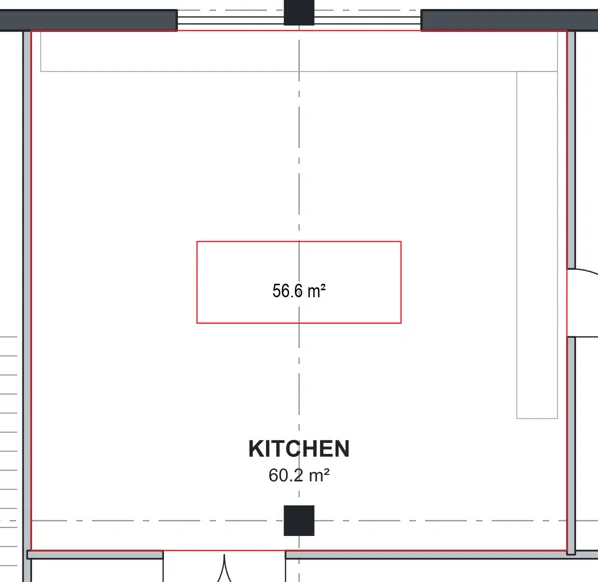
Click the opening's corners, then press Enter.
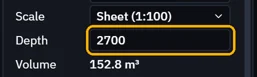
For a volume, type a Depth in its Properties.
Was this page helpful?
Updated 6 November 2026