
Place a tool from the Toolbox
Find a symbol in the Toolbox and click it onto the sheet.
Where to find it
Toolbox
Steps
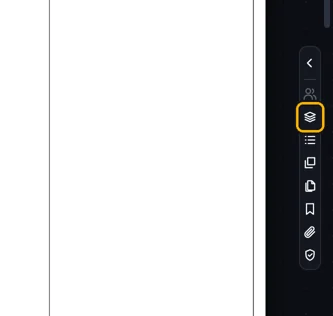
Click Toolbox on the right edge of the page.
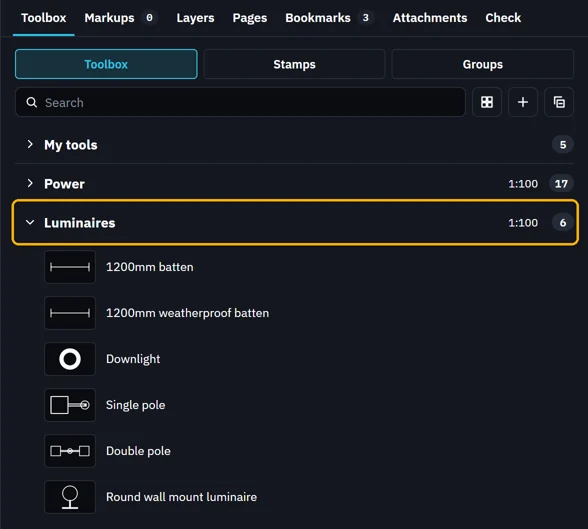
The Toolbox opens on the right. Click a toolbox's name to open it.
Or type in Search to find a tool by name.
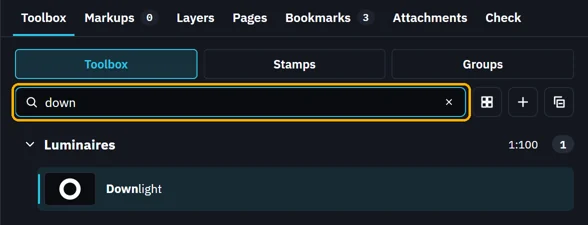 Tip. CtrlT goes straight to the search box.
Click the tool, then click the sheet. Each click places a copy.
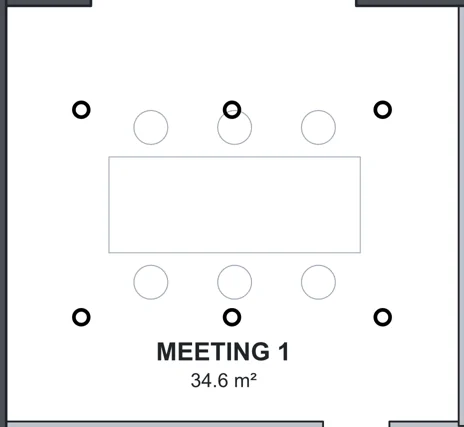 Tip. Space turns the copy in hand a quarter turn. Esc puts the tool down.
Was this page helpful?
Updated 6 November 2026