
Reduce file size
Make a PDF smaller to email or upload.
Where to find it
DocumentReduce file size
Steps
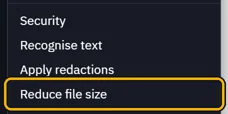
Open Document › Reduce file size.
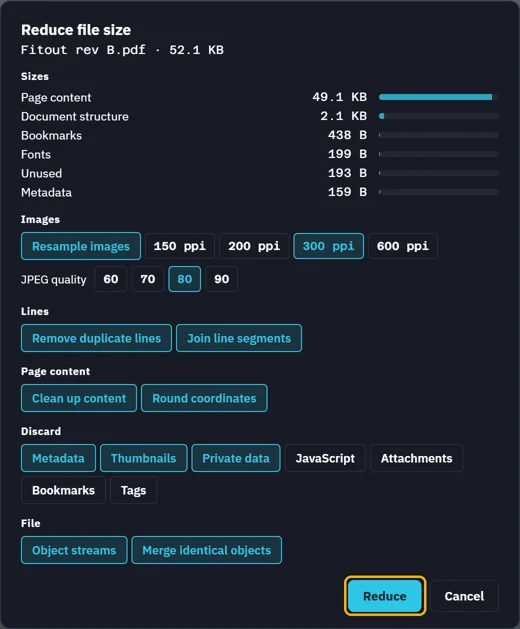
Sizes shows where the bytes are. Pick what to reduce, then click Reduce.
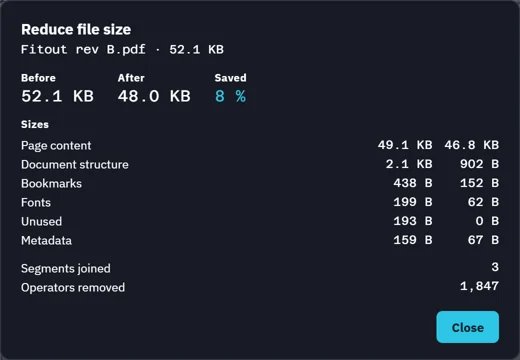
See what it saved, then Close. Save writes the smaller PDF.
 Tip. CtrlZ takes it back. Your markups are left as they are.
Was this page helpful?
Updated 6 November 2026