
Rotate, delete and insert pages
Turn, remove or add pages from the Pages view.
Where to find it
Pages, or DocumentRotate pages
Steps
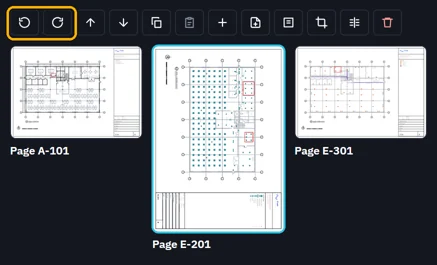
In Pages, click a page, then or .
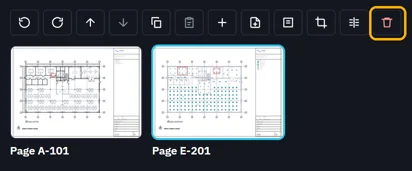
Delete removes the picked pages.
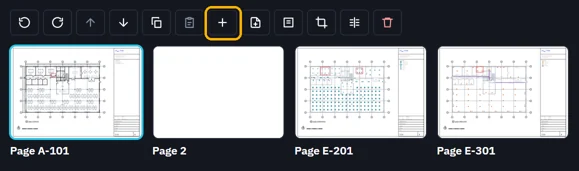
Insert blank page adds one after the picked page.
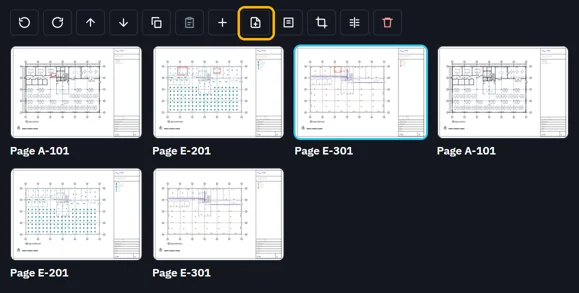
Insert from file… adds every page of another PDF.
For a range of pages, use the Document menu.
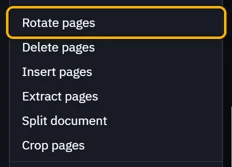
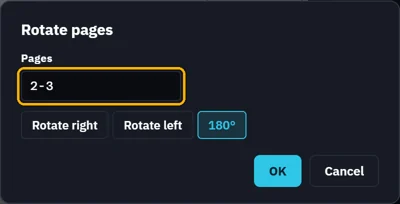
Type the pages, like 1-3, 5, 8-, then OK.
 Tip. CtrlZ takes back each change. Save writes them to the file.
Was this page helpful?
Updated 6 November 2026