
Copy, paste and duplicate
More of the same markup, just where you want it.
Where to find it
Edit
Steps
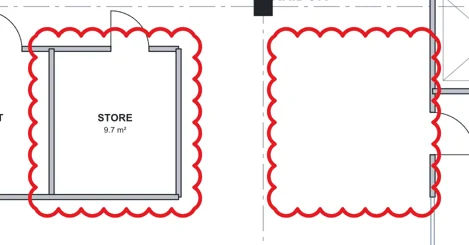
Click a markup, then press CtrlC and CtrlV. The copy lands in the middle of the view.
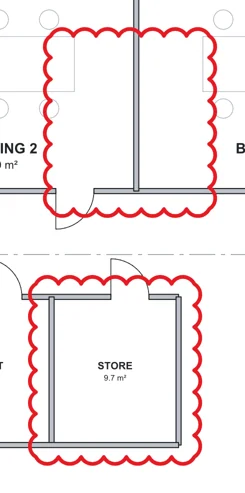
CtrlD puts a copy just beside it.
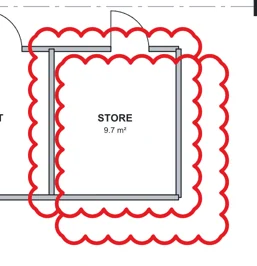
Or hold Ctrl and drag it.
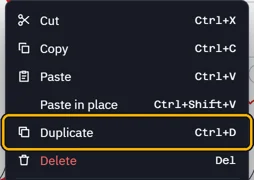
Right-click a markup for the same, with their keys.
 Tip. Paste in place puts the copy on the same spot, on another page too.
Was this page helpful?
Updated 6 November 2026