
Check a PDF's signatures
See who signed, when, and whether anything changed since.
Where to find it
DocumentSignatures
Steps
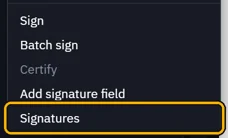
Open Document › Signatures.
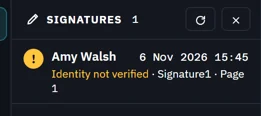
Each signature has a row: who signed, when, and what Fluah found.
Click it for the details. Intact: nothing changed after signing.
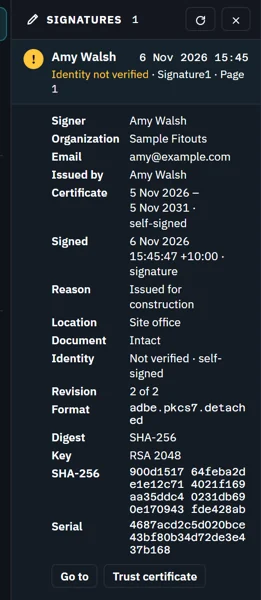
Identity not verified? If the ID is theirs, click Trust certificate.
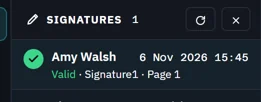 Tip. Settings › Signing › Trusted certificates lists the ones you trust.
Was this page helpful?
Updated 6 November 2026