
Start here
All of Get startedInstall Fluah
Make an account, run the setup, open Fluah.
Sign in and your plan
Your account opens Fluah. Your plan sets which tools work.
The Fluah window
Seven parts, and what each one holds.
Open a drawing
Every PDF opens in its own tab.
Learn on the sample drawings
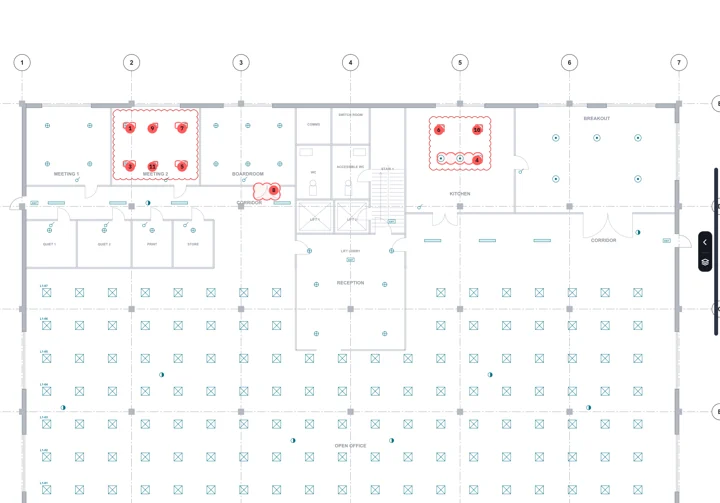
A fictional level 1 office fitout, A1 at 1:100, in two revisions. The tutorials use them.
Reference and help
- Tools A–ZEvery tool, what it does, where it is
- Keyboard shortcutsEvery command and its key
- SettingsEach setting and where it lives
- System requirementsWindows, WebView2 and an account
- TroubleshootingError messages, install, log in