
Extract pages or split a document
Some pages to a new PDF, or one file per page.
Where to find it
PagesExtract…, or DocumentSplit document
Steps
To extract, pick the pages in Pages, then click Extract….
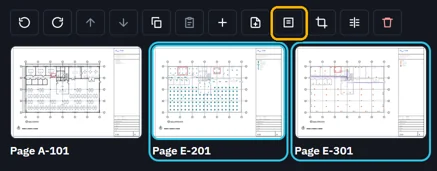
Name the new PDF and save it.
 Tip. Document › Extract pages takes a range instead, like 2-3.
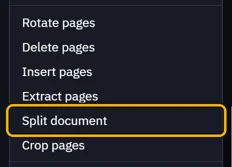
To split, open Document › Split document.
Pick Every N pages, Ranges or One page each, then OK.
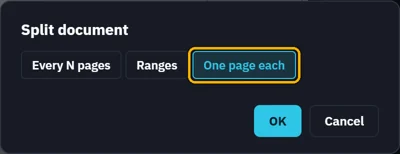
The new files go beside the PDF: Fitout rev B-1.pdf, -2, -3.

Was this page helpful?
Updated 6 November 2026