
Turn on Collaborate
Work on one set of drawings with your team, live.
Where to find it
SettingsWorkspaceModesCollaborate
Steps
Log in to your Fluah account first.
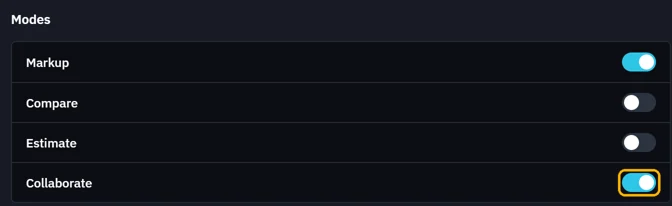
Settings › Workspace › Modes: switch on Collaborate.
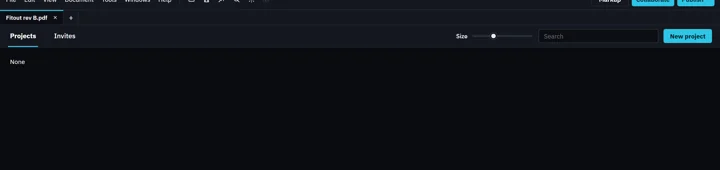
Click Collaborate in the top bar.

Your projects, and invitations to other people's.
Was this page helpful?
Updated 6 November 2026