
Find words on the drawings
Search every sheet's text and step from hit to hit.
Before you begin
Download the sample drawings: revision B is the current issue, revision A the one before it.
Where to find it
Search (CtrlF)
Steps
Click Search or press CtrlF.

Type the words and press Enter. The results are listed by page.
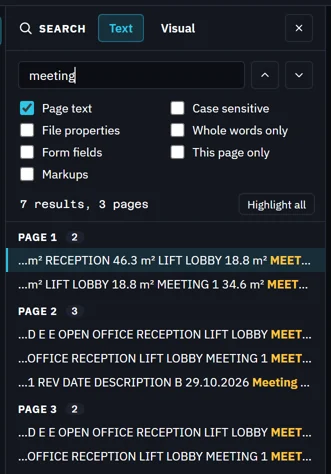
Click a result to go to it. The hits are highlighted on the sheet.

Enter goes to the next hit, ShiftEnter back. The arrows do the same.

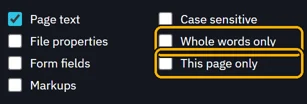
To narrow it down, tick Whole words only or This page only.
What’s next
Was this page helpful?
Updated 6 November 2026