
Compare two revisions
Every change between two issues of a drawing, clouded and numbered on the sheet.
Before you begin
Download the sample drawings: revision B is the current issue, revision A the one before it.
Where to find it
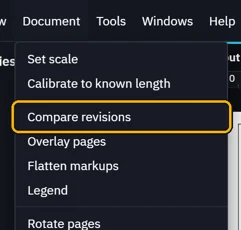
DocumentCompare revisions
Steps
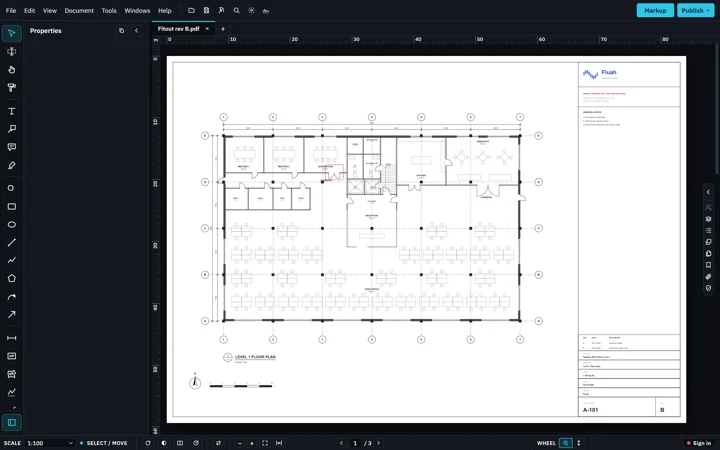
Open the current issue, Fitout rev B.pdf.
Document › Compare revisions, then pick Fitout rev A.pdf.
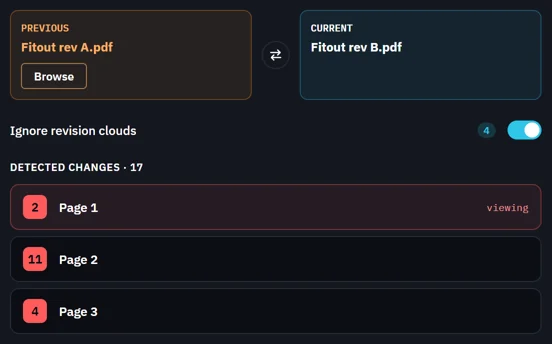
Read the count of changes on each page. Click a page to go to it.
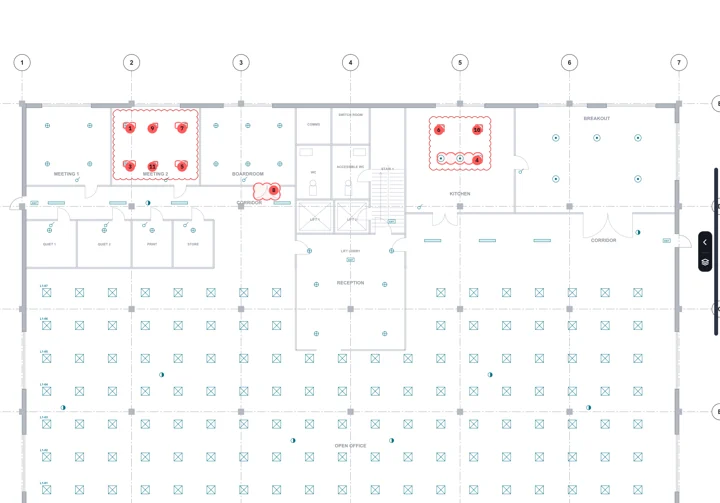
Each change is clouded and numbered on the sheet.
Click Swap to swap them.
 Tip. Drag one card onto the other to swap them too.
Revision clouds are left out. Switch off Ignore revision clouds to count them.

Was this page helpful?
Updated 6 November 2026