
Add a text box or callout
Words on the drawing, in a box or pointing at something.
Where to find it
Text box
Text box
Pick Text box in the toolbar, or press T.

Drag a box, then type. Press Esc when done.
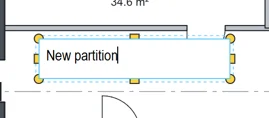 Tip. Double-click a box to change its words.
Callout
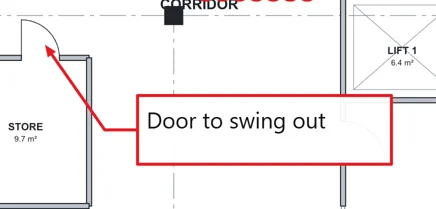
Pick Callout in the toolbar, or press Q.
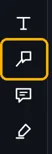
Click what it points at, click where the box goes, then type.
Typewriter
Tools › Typewriter, or press Y.
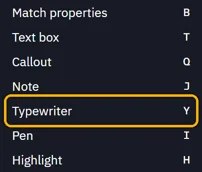 Tip. To keep it on the toolbar, right-click the toolbar, then Show › Typewriter.
Click and type. The box fits the words.
Was this page helpful?
Updated 6 November 2026