
Fill in a form
Type in a PDF form's fields, tick its boxes, then save.
Where to find it
Click a field with Select / move or Pan
Steps
Open the form. Its fields have boxes.
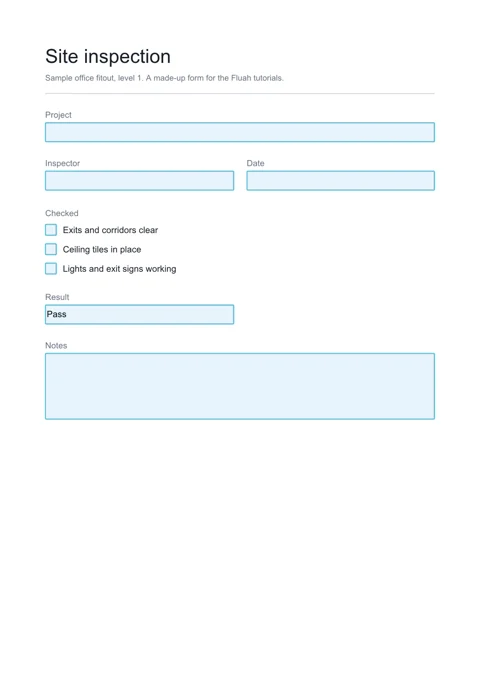
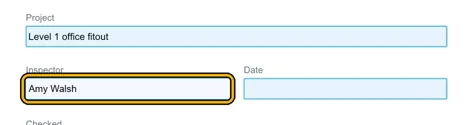
Click a field and type. Tab goes to the next one, ShiftTab back.
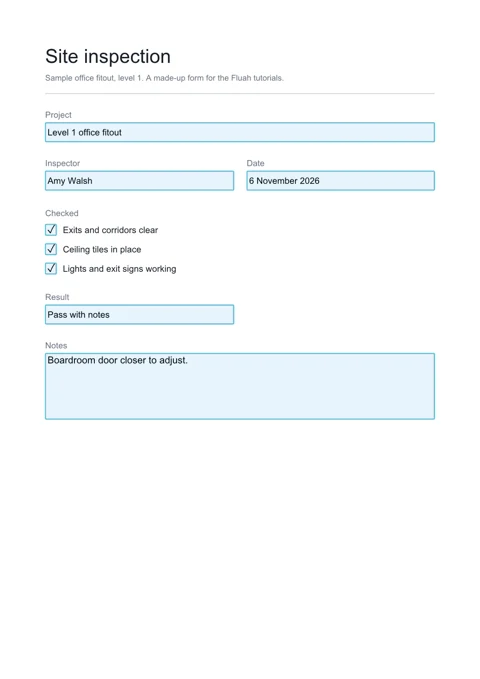
Click a check box to tick it.

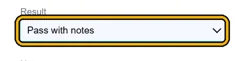
Click a list, then pick with the arrow keys.
Save writes the answers into the PDF.
 Tip. Document › Export form data saves the answers to an FDF or XFDF file. Import form data reads one.

Was this page helpful?
Updated 6 November 2026