
Add a note
A small icon on the sheet that opens to your words.
Where to find it
Note
Steps
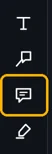
Pick Note in the toolbar, or press J.
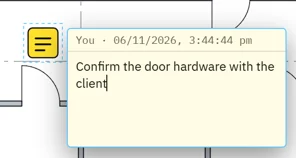
Click where it goes, then type.
Click away. The note stays as an icon.
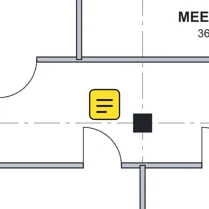 Tip. Double-click the icon to read or change it.
Was this page helpful?
Updated 6 November 2026