
Match properties
Give other markups the look of one you like.
Where to find it
Match properties
Steps
Click the markup whose look you want.
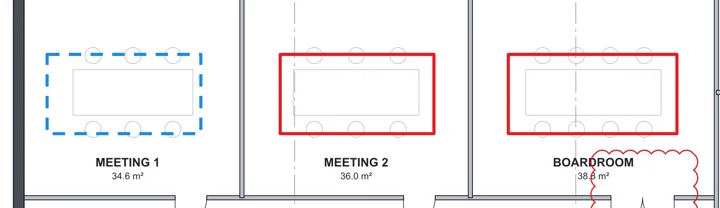
Pick Match properties in the toolbar, or press B.

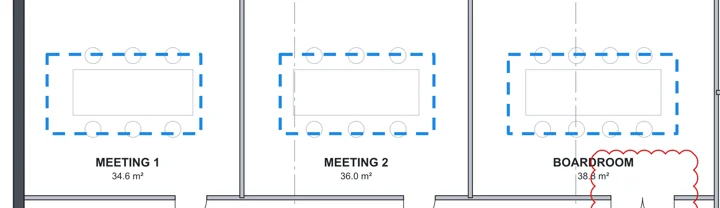
Click each markup to give it that look. Press Esc when done.
Was this page helpful?
Updated 6 November 2026