
Group and lock markups
Move markups as one, and keep finished ones from changing.
Where to find it
EditGroup
Group
Select two or more markups, then press CtrlG.
Click any of them to pick up the whole group.
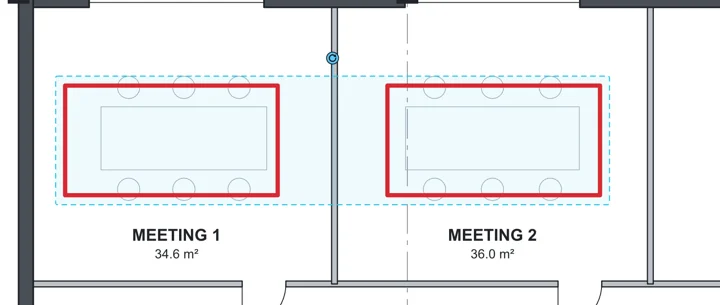 Tip. CtrlShiftG ungroups them.
Lock
Right-click a markup, then Lock.
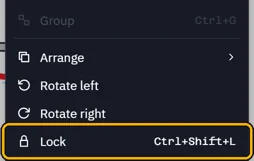
It shows no grips and stays where it is.
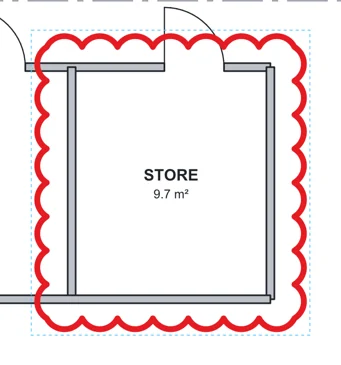 Tip. Right-click it, then Unlock, to change it again.
Was this page helpful?
Updated 6 November 2026