
Save a style as a tool
Keep a markup's look as a tool, then draw more just like it.
Where to find it
Tools & StylesSave style as tool
Steps
Draw a markup and give it the look you want.
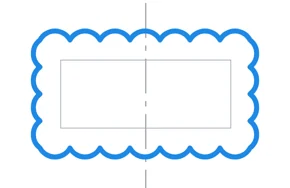
Right-click it › Tools & Styles › Save style as tool.
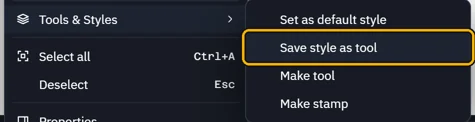 Tip. Add to toolbox at the foot of its properties does the same.
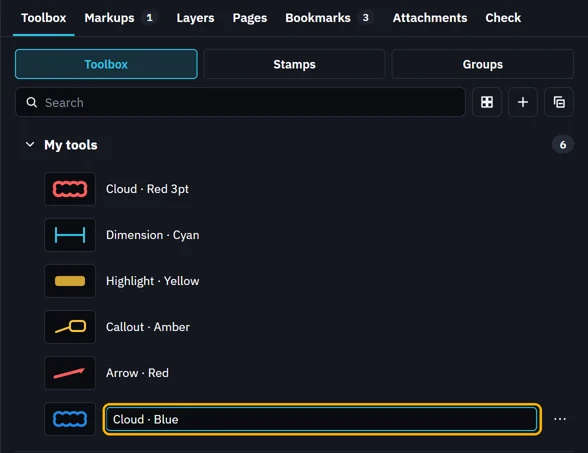
The Toolbox opens with the new tool. Type its name and press Enter.
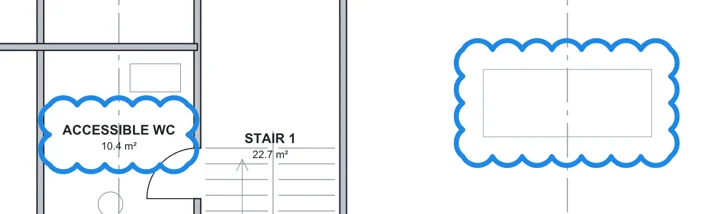
Click the tool and draw. Each markup has that look.
Was this page helpful?
Updated 6 November 2026