
Resize a placed symbol
Type a placed copy's dimensions on the sheet, or drag its handles.
Steps
Click a placed copy. Its dimensions show on it, with a handle on each side.
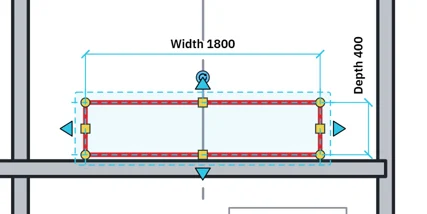
Click a dimension's words, type a length and press Enter.
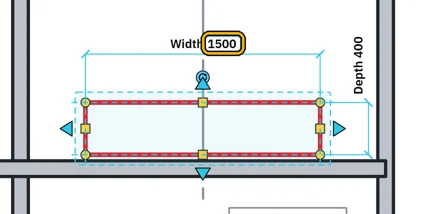
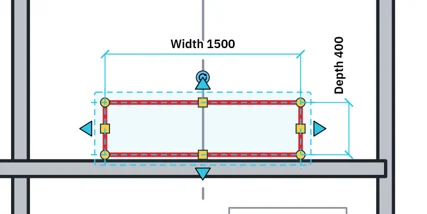 Tip. 1500, 1500mm, 1.5m and 150cm all work.
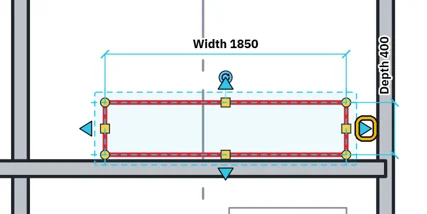
Or drag a handle. That side moves and the other side stays.
Or type in the properties under Dimensions.
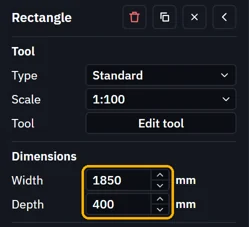 Only Instance values change on a copy. Type values are set in the tool's Parameters.
What’s next
Was this page helpful?
Updated 6 November 2026