
Docs Search the docs
  1. Docs
  2. Estimate

Add stages and measurements

Group the takeoff in stages, then count and measure each item.

  • How-to
  • 2 min
  • Free and Pro
  • Checked with Fluah 1.0.34

Where to find it

StagesAdd stage

Steps

  1. Click Add stage › Blank stage. Name it, then click Create.
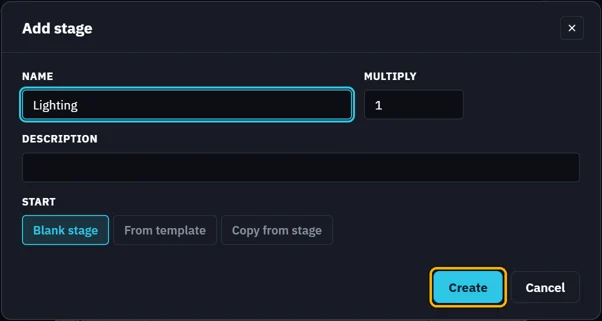
    Add stage: NAME Lighting, MULTIPLY 1, Create marked
  2. In the stage, click + Count, + Length or + Area.
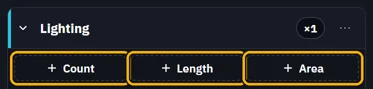
    The Lighting stage: + Count, + Length and + Area marked
  3. Give it a name, a unit cost and a symbol, then click Create.
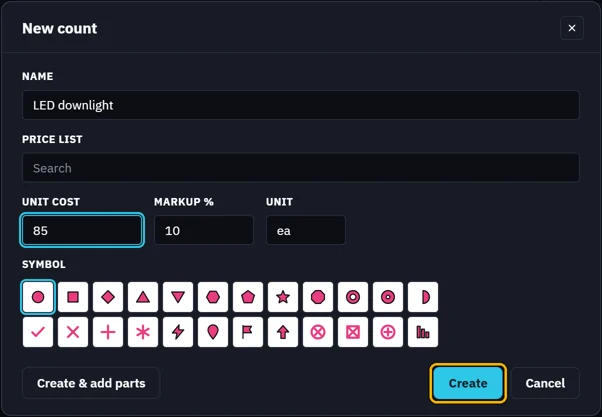
    New count: NAME LED downlight, UNIT COST 85, a symbol; Create marked
  4. A count: click each item on the sheet.
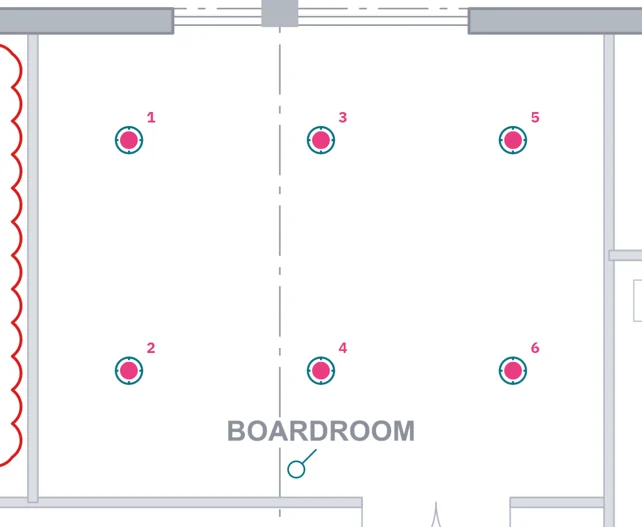
    The boardroom's six downlights counted
  5. A length: click each point, then press Enter.
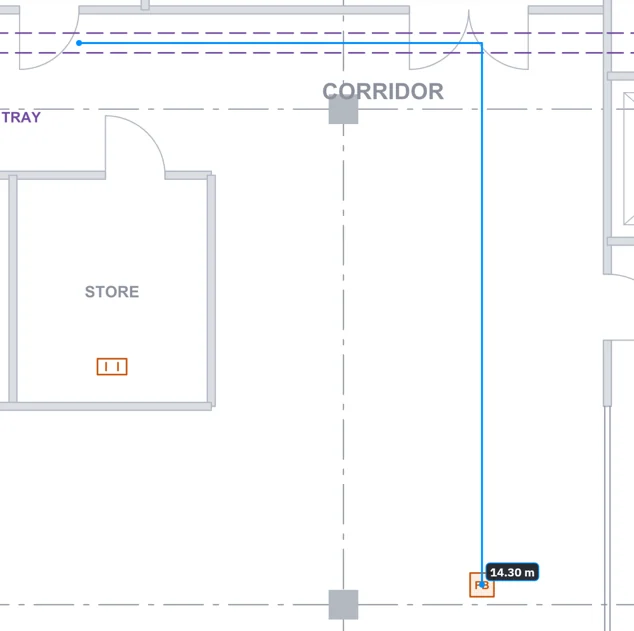
    A length along the cable tray to a floor box
  6. The stage lists each one: this sheet, then the whole job.
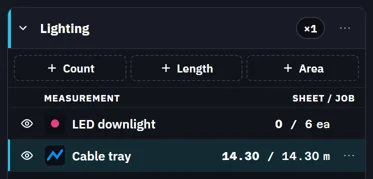
    The stage: LED downlight and Cable tray, this sheet / the job
Was this page helpful?

Updated 6 November 2026