
Settings
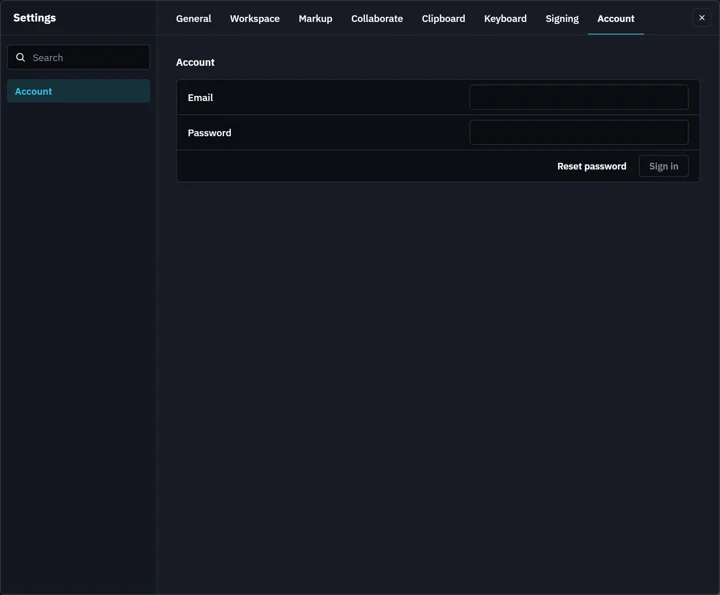
Eight tabs. Type in Search to jump straight to a setting.
Where to find it
Settings in the top bar, or FileSettings
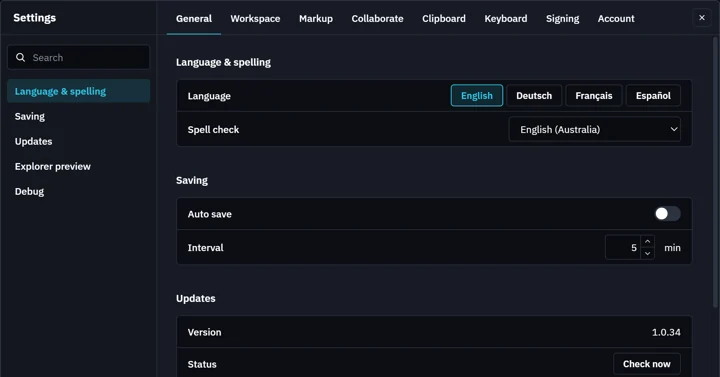
General
Language & spelling, Saving, Updates, Explorer preview, Debug.
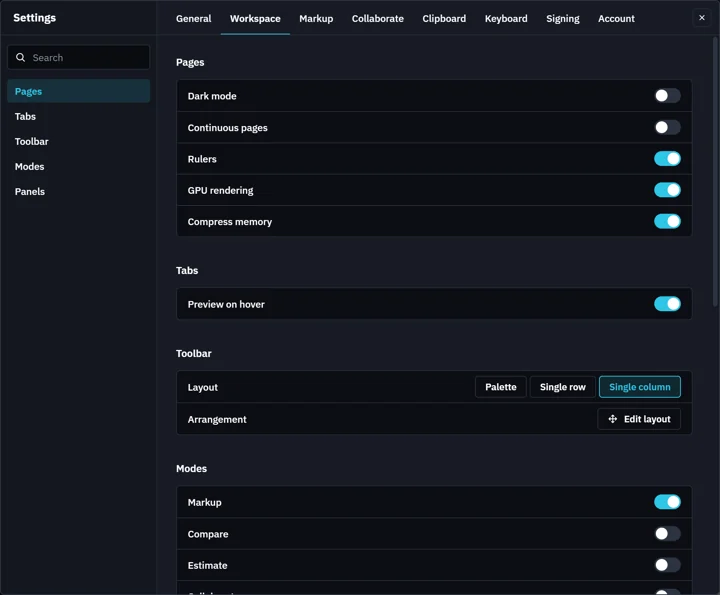
Workspace
Pages, Tabs, Toolbar, Modes, Panels.
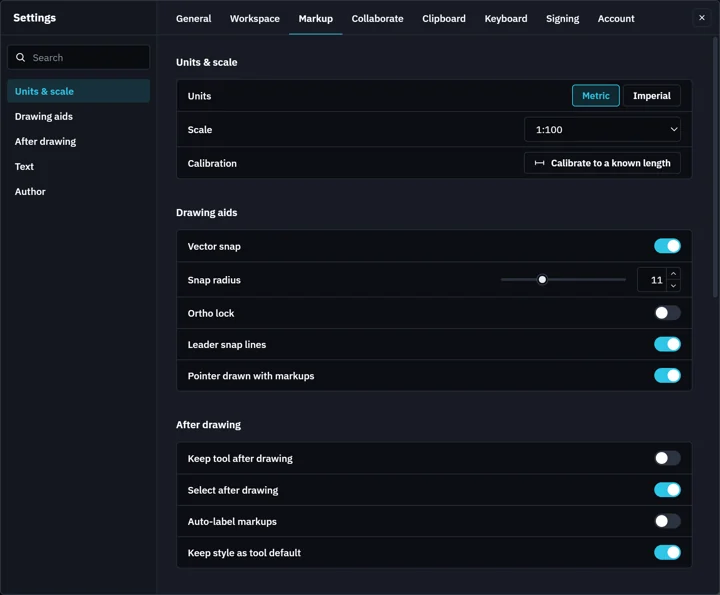
Markup
Units & scale, Drawing aids, After drawing, Text, Author.
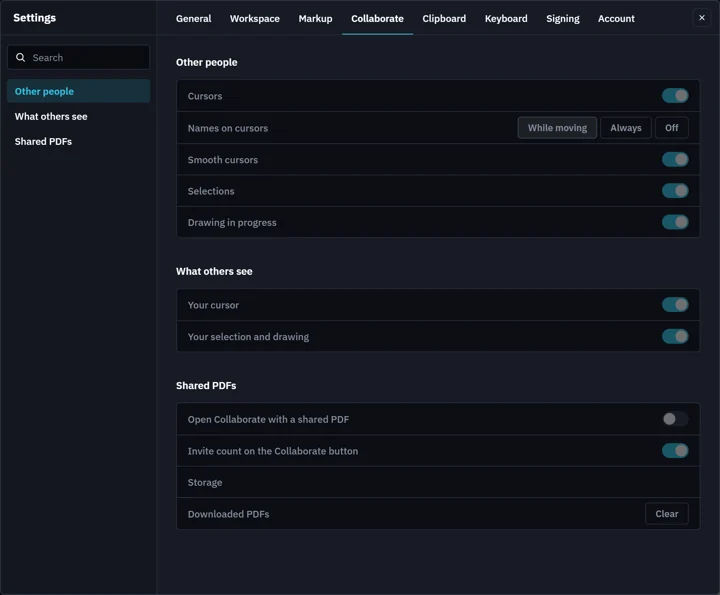
Collaborate
Other people, What others see, Shared PDFs. On once Collaborate is on in Workspace › Modes.
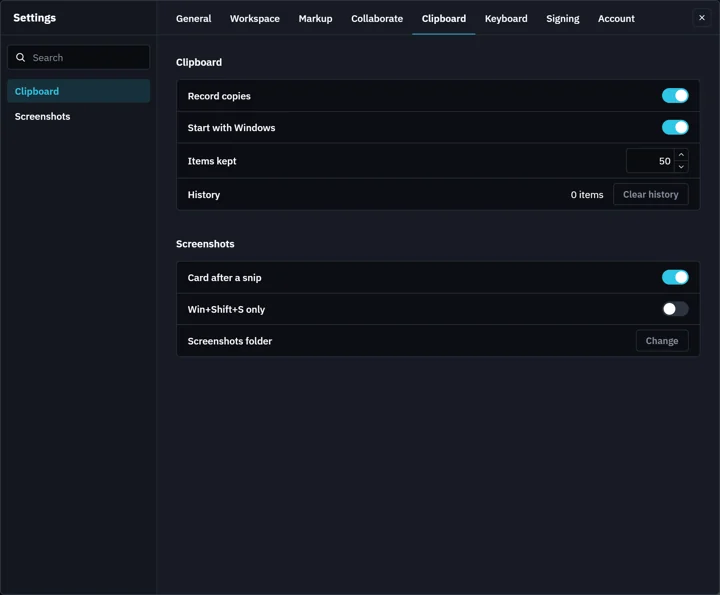
Clipboard
Clipboard, Screenshots.
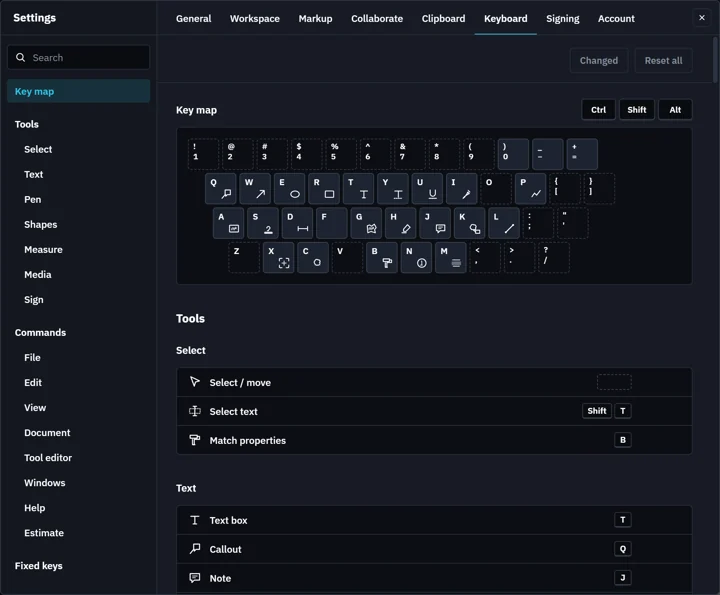
Keyboard
Key map, Tools, Commands. Every key is yours to change: see Keyboard shortcuts.
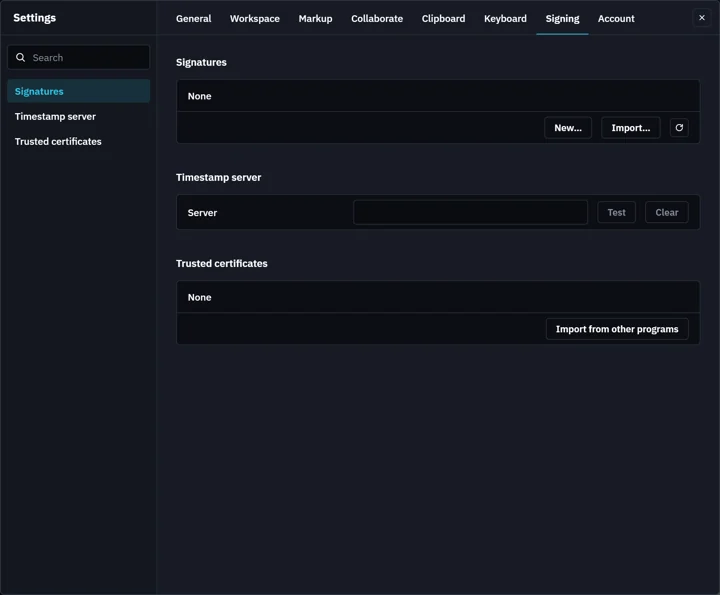
Signing
Signatures, Timestamp server, Trusted certificates.
Account
Sign in to your Fluah account.
Was this page helpful?
Updated 6 November 2026