
Redact text and drawings
Black out what others must not see, for good.
Where to find it
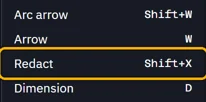
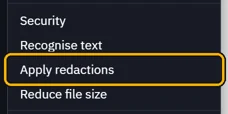
ToolsRedact (ShiftX), then DocumentApply redactions
Steps
Open Tools › Redact, or press ShiftX.
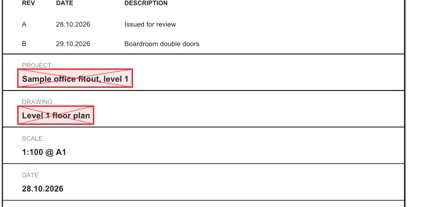
Drag a box over what must go. ShiftX again for the next.
Open Document › Apply redactions.
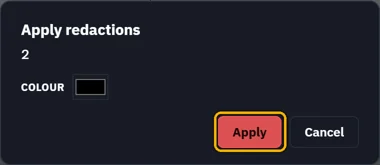
Pick the colour, then Apply.
The text under the boxes is gone, not just covered.
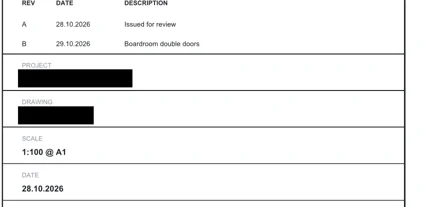 Save makes it final. Until then, CtrlZ takes it back.
Was this page helpful?
Updated 6 November 2026