
Export and import toolboxes
Send a toolbox to a colleague's Fluah, or bring one in.
Where to find it
ToolboxAddImport toolbox
Steps
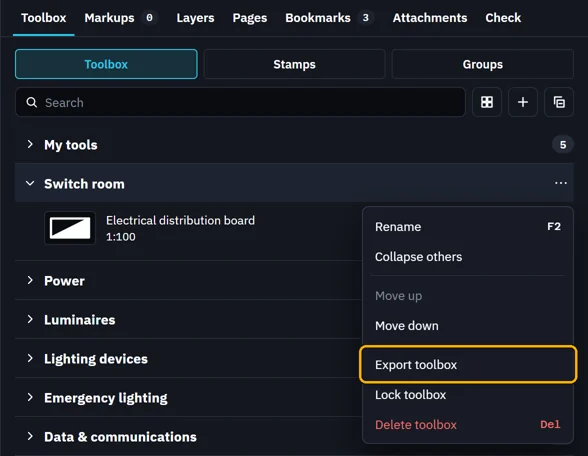
Right-click a toolbox's name › Export toolbox. Pick where to save it.
 Tip. To send one tool, right-click it › Export.
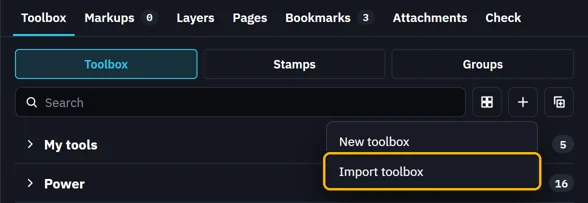
To bring one in, click Add › Import toolbox and pick the file.
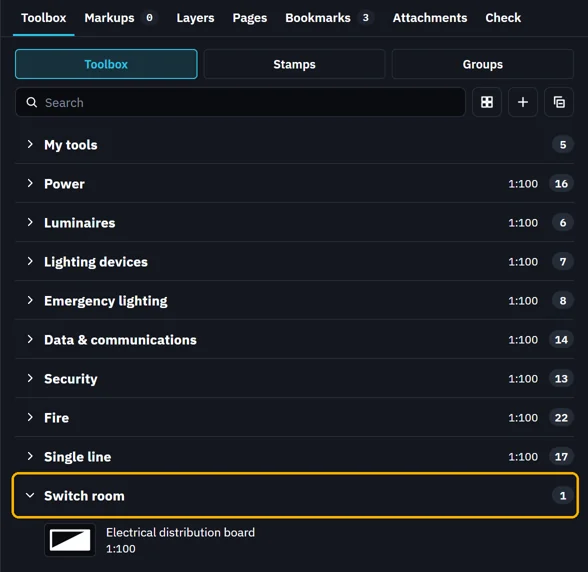
It comes in as a toolbox of its name, with every tool in it.
 Tool chests (.btx) from other PDF apps come in the same way.
Was this page helpful?
Updated 6 November 2026