
Switch between metric and imperial
Metres and m², or feet, inches and SF.
Where to find it
SettingsMarkupUnits & scale
Steps
Open Settings › Markup. Under Units & scale, pick Imperial or Metric.
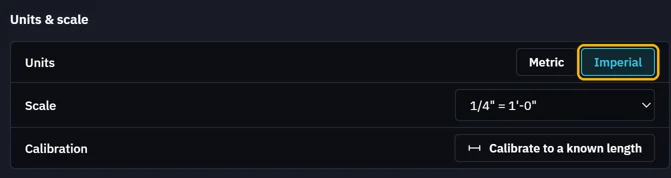
The scale changes to one of that system's.

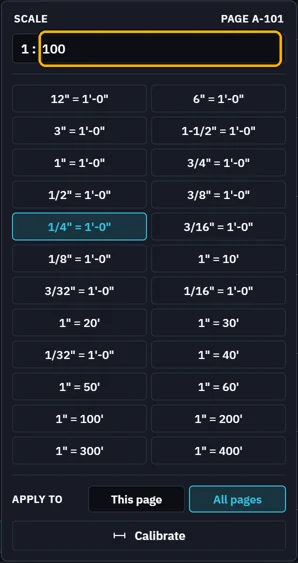
Set the drawing's scale again: pick one, or type the ratio.
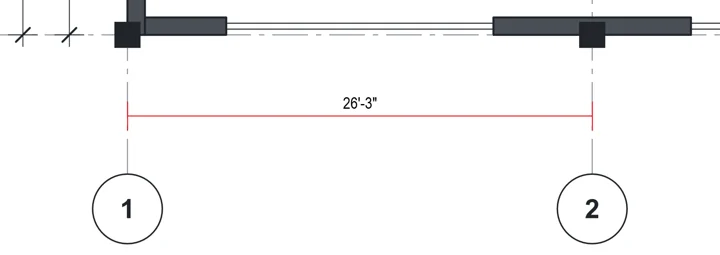
Lengths read in feet and inches, areas in SF.
Was this page helpful?
Updated 6 November 2026