
Find symbols by how they look
Box one symbol; Fluah finds every one like it.
Where to find it
SearchVisual
Steps
Open Search, click Visual, then Select region.

Drag a box round one symbol. Every page is searched for it.
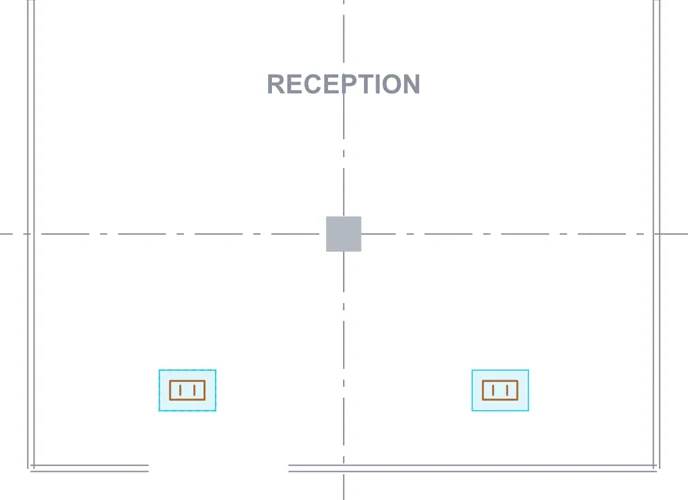
Each match is listed with its score. Click one to go to it.
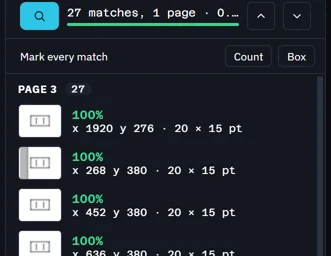 The symbol in the drawing's legend is found too: here 26 outlets and the legend's.
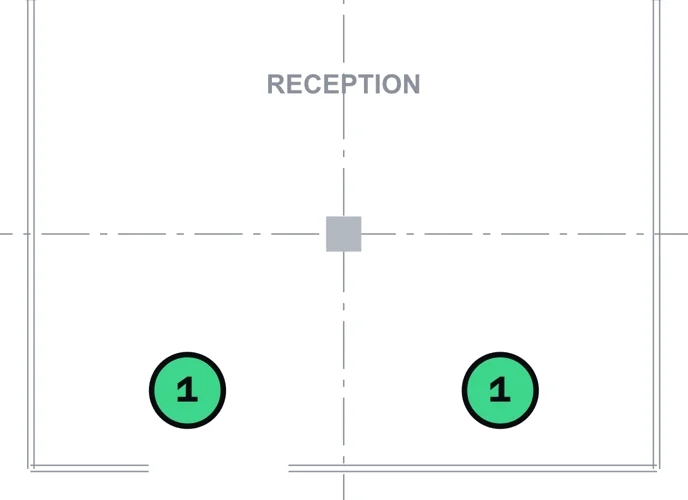
Mark every match › Count puts a count on each one.
Was this page helpful?
Updated 6 November 2026