
Add an image
A logo, a photo or a sketch, placed on the sheet.
Where to find it
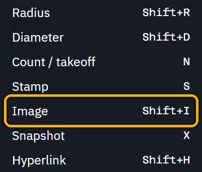
ToolsImage
Steps
Tools › Image, or press ShiftI, then choose the picture.
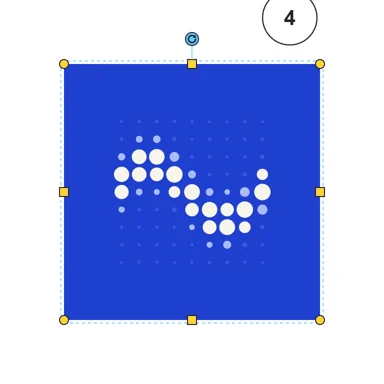
Drag where it goes.

To resize it, drag a corner. It keeps its shape.
Was this page helpful?
Updated 6 November 2026