
Password-protect a PDF
A password to open it, and limits on what others may do.
Where to find it
DocumentSecurity
Steps
Open Document › Security.
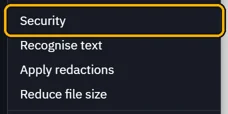
Document password: needed to open it. Permissions password: needed to change permissions.
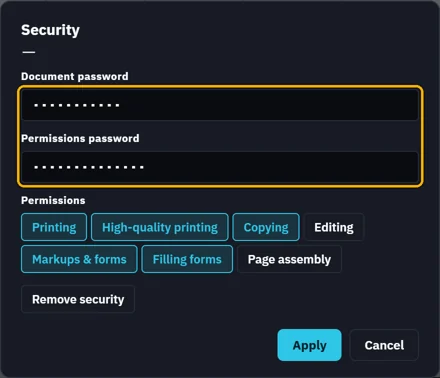
Click a permission to switch it off, then Apply.
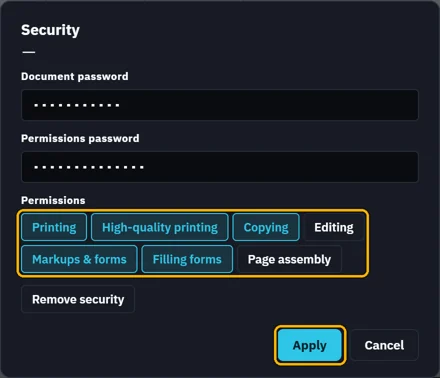
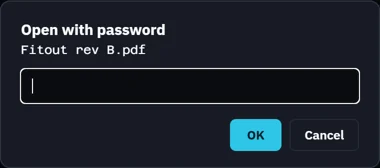
Click Save. From then on, opening the PDF asks for its password.
 Tip. Remove security, then Save, takes the passwords off.
Was this page helpful?
Updated 6 November 2026