
Previews in File Explorer
See a PDF's pages in File Explorer, without opening it.
Where to find it
FileSettingsGeneralExplorer preview
Steps
In Fluah: File › Settings › General › Explorer preview.
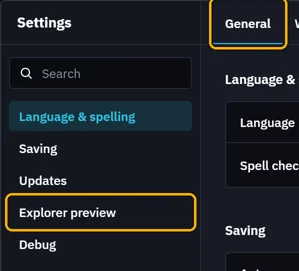
Switch on Use Fluah for Explorer previews. Windows asks for administrator approval once.
In File Explorer, press AltP for the preview pane, then click a PDF.
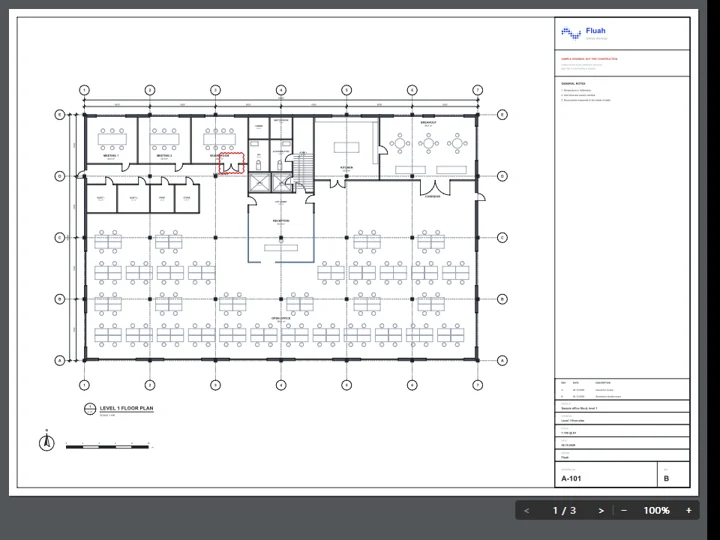
Its bar changes the page and the zoom. The wheel zooms too.
 Markdown files, pictures and .dwg drawings preview too. If the card says Needs repair, click Repair.
Was this page helpful?
Updated 6 November 2026