
Turn on modes
Compare and Estimate get their own button in the top bar.
Where to find it
FileSettingsWorkspaceModes
Steps
File › Settings › Workspace › Modes. Fluah starts with Markup alone.
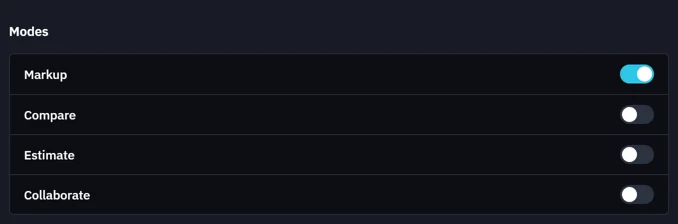
Switch on the modes you use, such as Compare and Estimate.
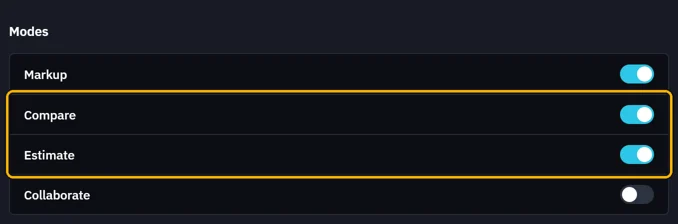
They join the top bar. Click one to change mode.
 Collaborate needs Fluah Pro.
Was this page helpful?
Updated 6 November 2026