
Use and add bookmarks
Jump to a sheet in one click, and add bookmarks of your own.
Where to find it
Bookmarks on the pull-up bar, or ViewBookmarks
Steps
Click Bookmarks on the pull-up bar, right of the page.

Click a bookmark to go to its page.
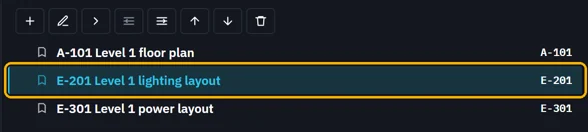
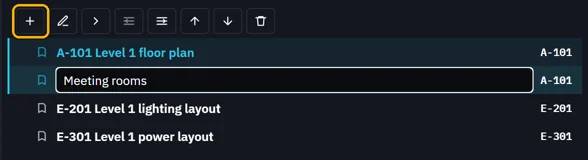
Show the page, pick the bookmark it follows, click Add bookmark, type a name.
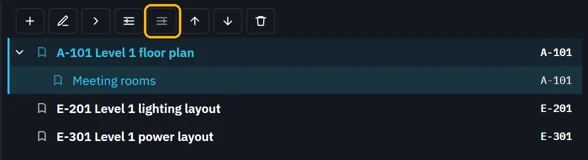
Indent puts it under the bookmark above.
 Tip. Move up, Move down, Outdent and Delete do the rest. Save writes them into the PDF.
Was this page helpful?
Updated 6 November 2026