
Electrical symbols in the Toolbox
Fluah puts 104 electrical symbols in your Toolbox, ready to place.
Where to find it
Toolbox
Steps
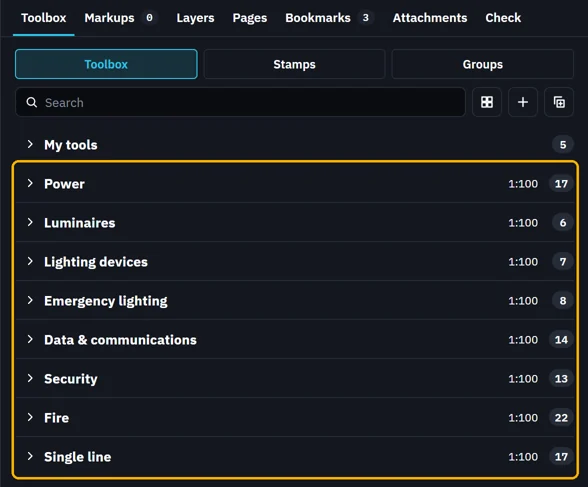
The Toolbox holds eight toolboxes of electrical symbols, after My tools.
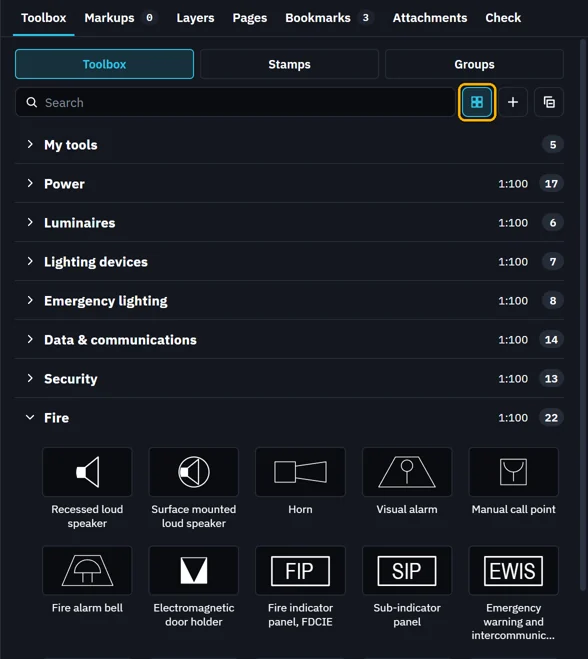
Click Grid to see a toolbox's symbols as tiles.
Click a symbol, then click the sheet to place it.
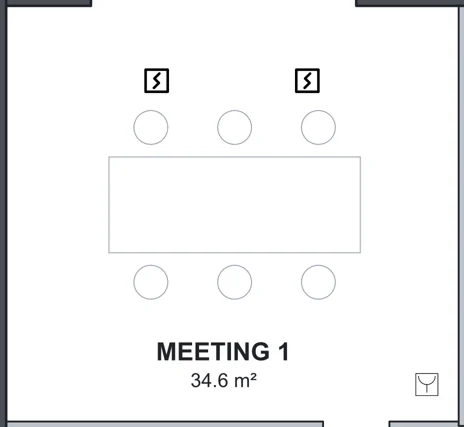 Tip. The battens, the Downlight, the distribution board and the switchboards have dimensions you can type on the sheet. See Resize a placed symbol.
Was this page helpful?
Updated 6 November 2026