
Continuous or single pages
Scroll through every page, or see one page at a time.
Where to find it
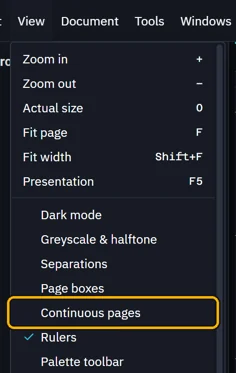
ViewContinuous pages
Steps
View › Continuous pages.
The pages run one under the other.
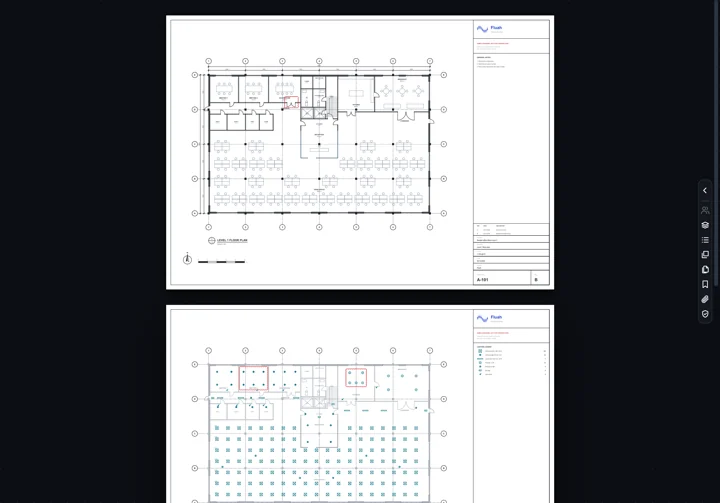
Click it again for one page at a time.
Was this page helpful?
Updated 6 November 2026