
Save as PDF/A and check a PDF
An archive copy that meets PDF/A, and a check against the standards.
Where to find it
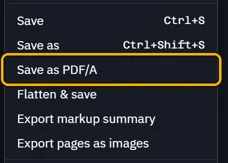
FileSave as PDF/A, and Check on the pull-up bar
Steps
Open File › Save as PDF/A.
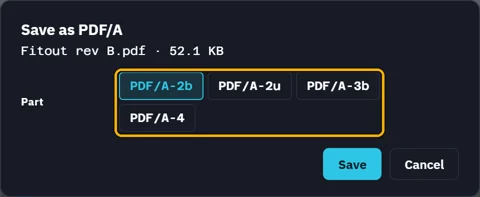
Pick the part, then Save and name the copy.
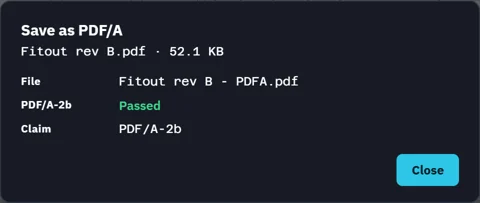
Fluah checks the copy it wrote, then opens it.
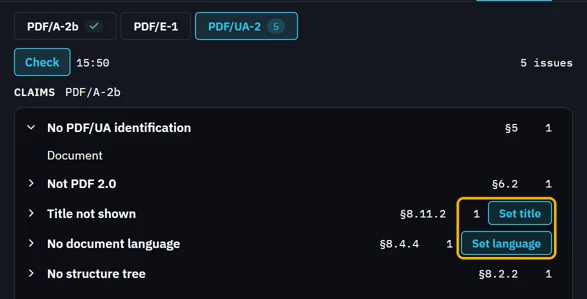
To check any PDF, click Check on the pull-up bar.

Pick PDF/A-2b, PDF/E-1 or PDF/UA-2, then Check.
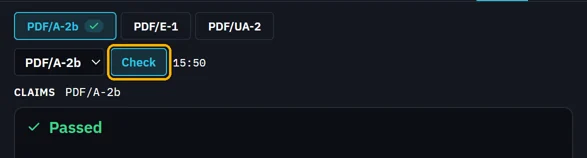
Issues show their clause. Set language and the like fix them; then Save.
Was this page helpful?
Updated 6 November 2026