
Measure a length
Two clicks for a length, more for a run with corners.
Before you begin
Download the sample drawings: revision B is the current issue, revision A the one before it.
Where to find it
Dimension Perimeter
Steps
Pick Dimension (D).
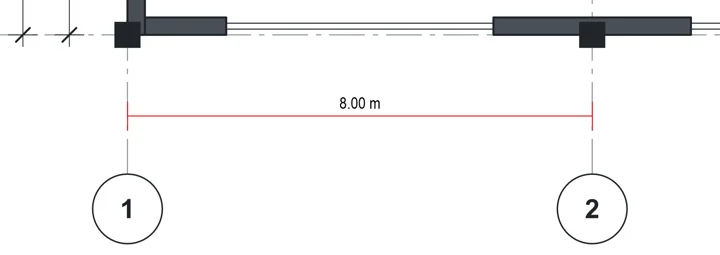
Click one end, then the other.
For a run with corners, pick Perimeter (ShiftL).

Click each corner. Double-click to finish.
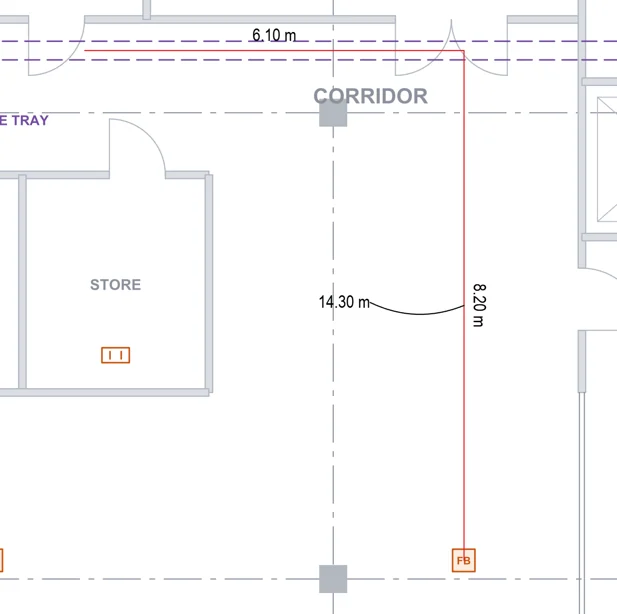 Tip. The total sits on a side's length at first. Drag the label's dot to move it clear.
Was this page helpful?
Updated 6 November 2026