
Place a stamp
Stamp a sheet Reviewed, Approved, Revise & resubmit or Void.
Where to find it
ToolboxStamps
Steps
In the Toolbox, click Stamps.
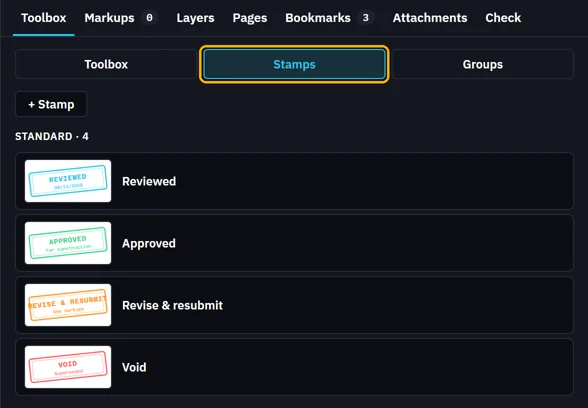
Click a stamp, then click the sheet.
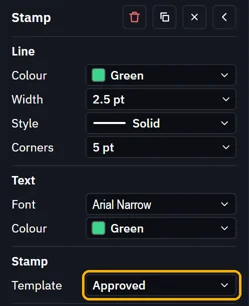
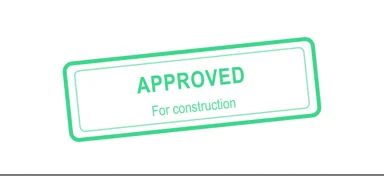 Tip. Tools › Stamp (S) works too: choose the stamp under Template in its properties.
To change it, select it and pick another Template in its properties.
What’s next
Was this page helpful?
Updated 6 November 2026