
Select, move and rotate markups
Pick markups up, move them, turn them and line them up.
Where to find it
Select / move
Steps
Pick Select / move in the toolbar, then click a markup.

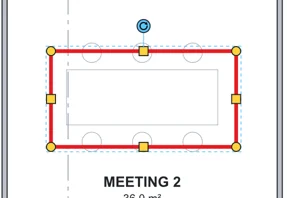
Drag one of its lines to move it. The arrow keys nudge it; hold Shift to nudge 10 times as far.
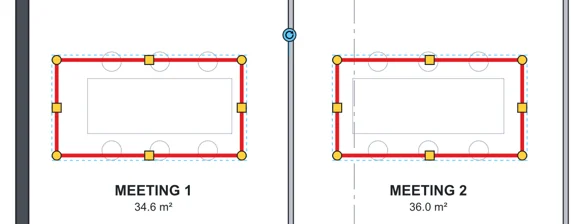
Drag a box round several markups to select them all.
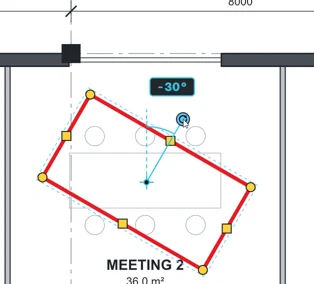
Drag the round handle to rotate it.
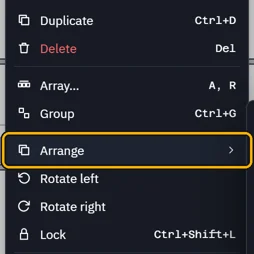
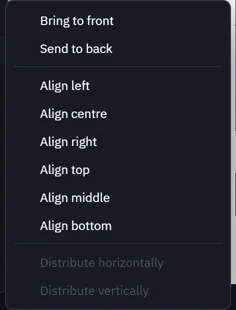
Right-click › Arrange to bring to front, send to back or line markups up.
Was this page helpful?
Updated 6 November 2026