Docs Search the docs
  1. Docs
  2. Markups

Add a hyperlink

A box that goes to a page or a web address.

  • Tutorial
  • 1 min
  • Pro
  • Checked with Fluah 1.0.34

Where to find it

ToolsHyperlink

Steps

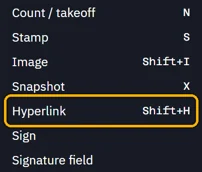
  1. Tools › Hyperlink, or press ShiftH.

    Hyperlink marked in the Tools menu
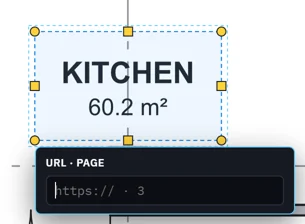
  2. Drag a box over what to link.

    The link’s card under the new box: a web address or a page number
  3. Type a web address or a page number, then press Enter.
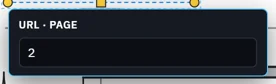
    2 typed in the card: a link to page 2
  4. Hold Ctrl and click the box to follow the link.
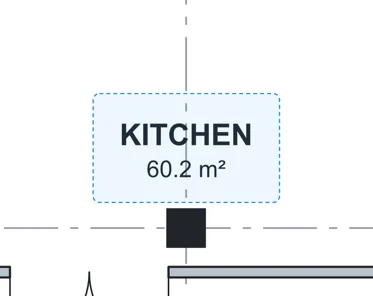
    The link box round KITCHEN on the sheet
Was this page helpful?

Updated 6 November 2026