
Draw with the pen and highlighter
Sketch freehand, highlight, and rub out strokes you no longer want.
Where to find it
Highlight
Steps
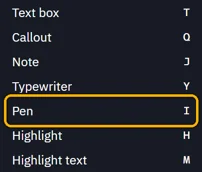
Tools › Pen, or press I.
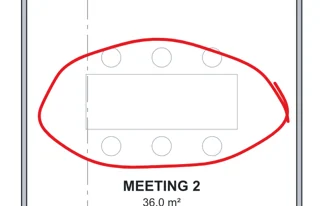
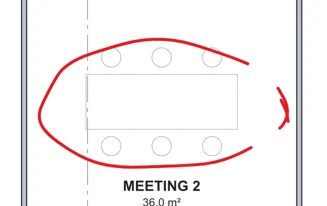
Drag to draw.
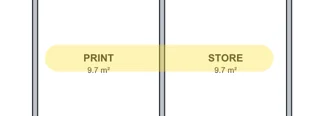
To highlight, pick Highlight in the toolbar, or press H. Drag over what should stand out.
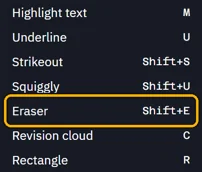
To rub out, Tools › Eraser, or press ShiftE. Drag across pen and highlight strokes to cut them.
 Tip. Each of these tools stays picked until you press Esc.
Was this page helpful?
Updated 6 November 2026